Python as an Executable Model
In this lesson4 sections
The whiteboard in a neighbourhood bike shop already holds a small model of the day: a tag, a job, the minute the work started, and the minute the bike is promised back.
By the end of this page you can build one of those rows in Python. Then you can ask it what chalk cannot answer: how the promise moves when one input changes.
The chalk row records the job. The Python program records the inputs and the rule for calculating when it will be ready. In this example, running the same instructions with the same inputs gives the same answer. Changing an input before the calculation changes the result; changing it afterwards does not recalculate a value already stored. The program also relies on the units and names you supply.
Working a problem this way is a loop, not a straight line. That holds whether the watcher is a customer at the counter or an interviewer across a table.
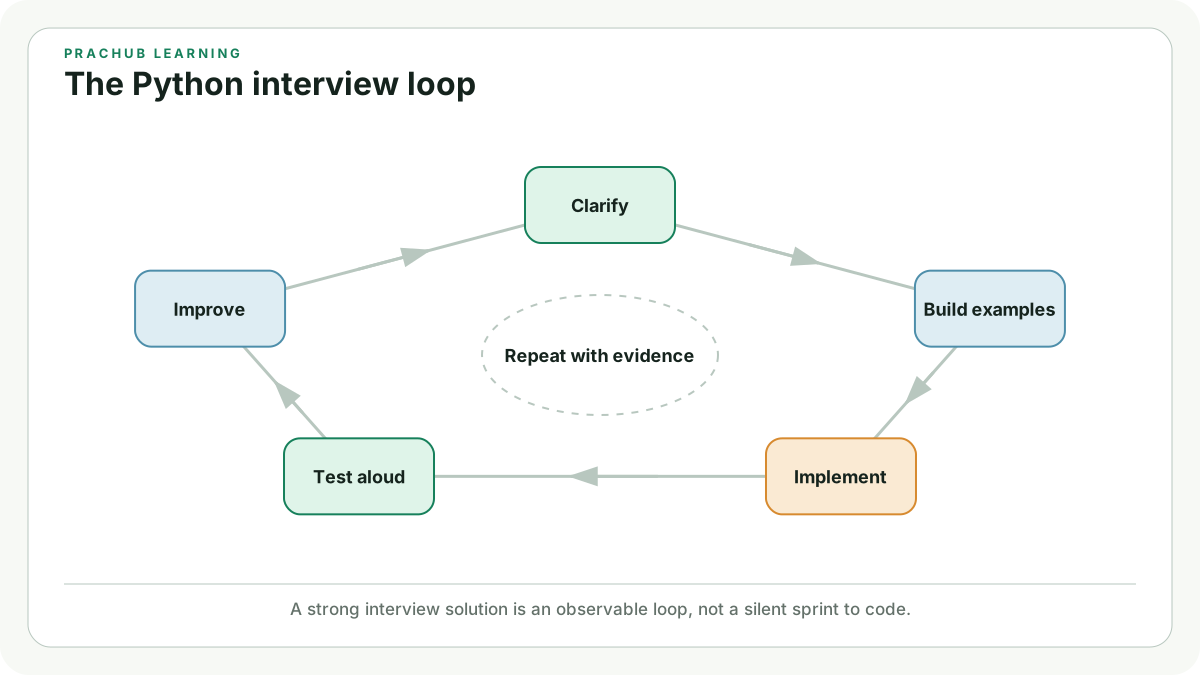
A strong interview solution is an observable loop, not a silent sprint to code.
Inputs, a rule, and a result
The row we are modelling belongs to bike B-114, booked in for a brake bleed. Four names carry what the mechanic observed: bike_tag, job, start_minute, and labour_minutes. Minutes are counted from the moment the shop opens. Every number here stays whole, so no clock format hides the arithmetic.
Read these three lines first, without running them:
start_minute = 30
labour_minutes = 45
ready_minute = start_minute + labour_minutes
Lines 1 and 2 store observations. Line 3 is the rule, and it is the only line in the file with any say over when the bike is ready.
Run the full program and check its second output line against that addition:
Turning a whiteboard row into a promised pickup minute
Python 3 · Edit the code and run it without leaving the lesson.
Python added 30 + 45, bound 75 to ready_minute, and the two f-strings dropped the stored values into their sentences without altering either one.
Changing one input on purpose
A model earns its keep when one changed input moves the result by an amount you can account for afterwards. The brake bleed turns out to need 70 minutes rather than 45. Nothing else about the row changes, so the promise should slide from 75 to 100.
The program below also gains one line that prints the inputs beside the result. Treat it as a probe, not a second calculation. ready_minute was fixed the moment line 6 ran, so the probe reads a stored number.
Lengthening one job and printing the arithmetic beside the promise
Python 3 · Edit the code and run it without leaving the lesson.
The probe printed rule: 30 + 70 = 100, and the last line repeated ready at minute 100, because both of them read the same stored ready_minute.
Every number on screen came from a line that has already finished, never from a formula that is still watching.
Common traps
Expecting
ready_minuteto follow a later edit tolabour_minutes. Line 6 ran once and kept its answer.Assuming the interpreter knows that
45counts minutes. The unit lives in the namelabour_minutesand nowhere else.Typing
ready_mininside the last print. Python raisesNameErrorand names the line that used a name it never saw bound.Reading the probe as evidence that the rule fired again. It only reports the values that produced the result.
Your turn: add slack to the promise
The counter wants a little slack quoted on every job, so the row gains one more input. buffer_minutes starts at 10 and joins the same addition, which should carry the promise from 100 to 110.
Run it once as written, then set buffer_minutes to 25 and say the new promise before the output appears.
Folding a slack allowance into the same pickup rule
Python 3 · Edit the code and run it without leaving the lesson.
The probe line reads rule: 30 + 70 + 10 = 110: three inputs, one rule, and the single result they produce between them.
Next comes The Edit-Run-Observe Loop, where the edits stop being ours and become yours, one line at a time.