CodeSignal Business Skills Assessment Guide 2026: AI Interview, Timers, and Employer Reports
Quick Overview
A current guide to CodeSignal Business Skills Assessments, including AI conversations, question timers, written and spreadsheet tasks, and employer review.
CodeSignal Business Skills Assessment Guide 2026: AI Interview, Timers, and Employer Reports
A CodeSignal Business Skills Assessment is an employer-configured evaluation of communication, problem-solving, and collaboration. It may combine an AI-guided spoken conversation with written communication or spreadsheet-based work. It is not automatically the General Coding Assessment, and CodeSignal does not publish one universal question count, duration, or score format for every employer.
Before starting, read the invitation and assessment overview. They show the estimated time, question types, and total question count for your specific test. During preparation, use PracHub behavioral and leadership questions to practice concise examples, stakeholder judgment, and structured trade-offs. These records are practice material, not predictions of the exact prompts in your assessment.
Quick answer: what should you expect?
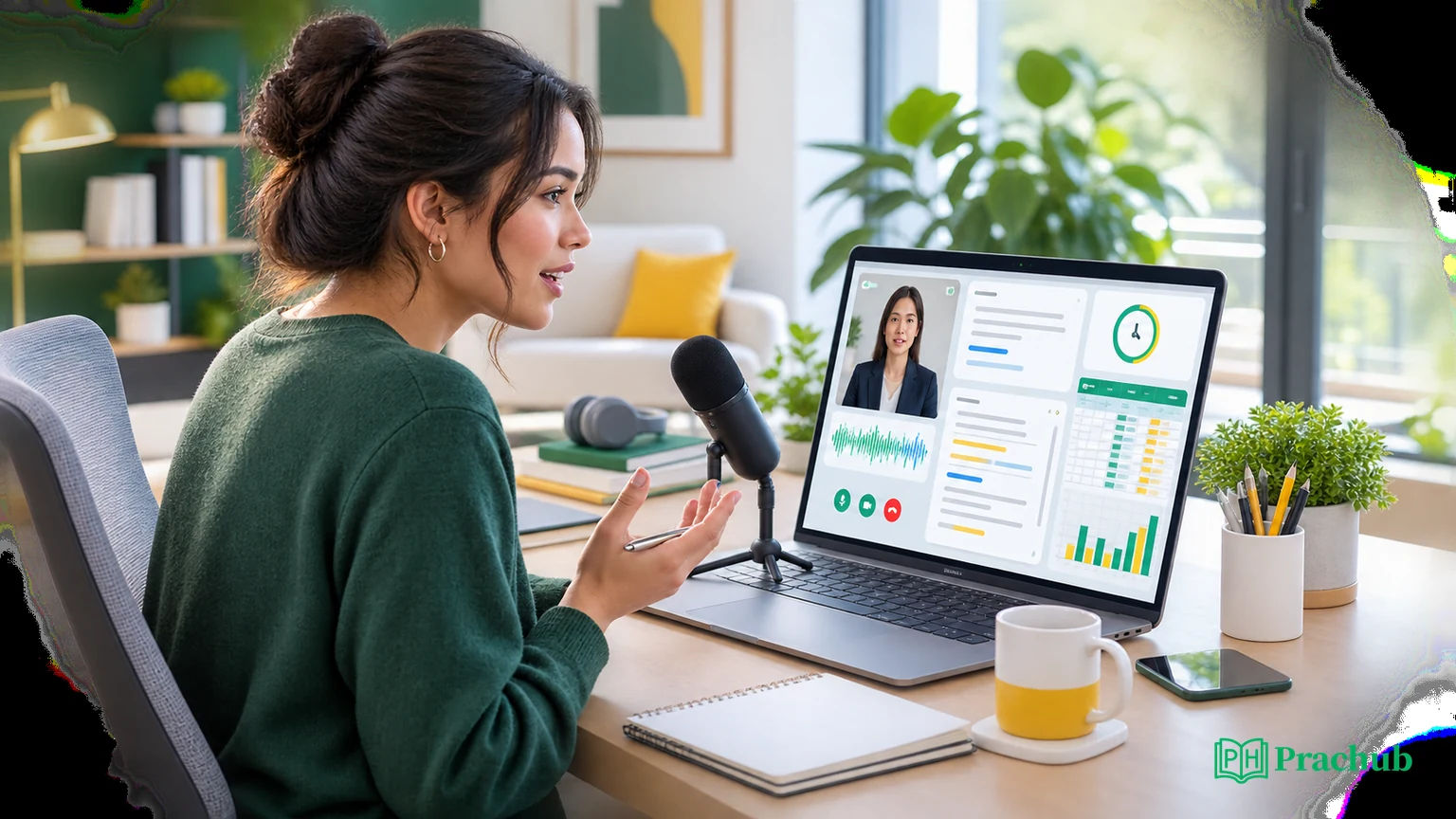
CodeSignal's current candidate guide describes three possible work modes: verbal responses to an AI partner, written communication tasks, and spreadsheet-based questions. Your employer chooses the assessment configuration, so the mix can vary.
| Question candidates ask | Confirmed answer |
|---|---|
| Is it a coding test? | Not necessarily. This assessment targets business skills, although an employer can configure its own assessment content. |
| Does an AI ask follow-up questions? | AI-driven conversation prompts can include follow-ups. You can end the conversation gracefully when your answer is complete. |
| Is there a timer? | Yes. The overview shows estimated total time, and a question timer appears once the assessment begins. The AI conversation shows a maximum time to allocate. |
| Can I redo an answer? | The candidate guide says a verbal response can be re-recorded with Try Again when that option is available. |
| What does the employer receive? | CodeSignal says your responses and results go to the hiring team. The public candidate guide does not enumerate every field in the employer report. |
| Will I see my score? | Maybe. The hiring organization decides whether to report the score to you. |
The safest rule is simple: treat the live invitation and interface as authoritative. Do not borrow assumptions from a friend's test, a coding-focused CodeSignal guide, or an older screenshot.
What the CodeSignal Business Skills Assessment measures
A business skills assessment is a structured work simulation designed to collect evidence about how you communicate, reason through a scenario, and collaborate around a decision. CodeSignal specifically names communication, problem-solving, and collaboration as the target skills.
That makes the assessment closer to a short case exercise or asynchronous interview than a traditional algorithm screen. A prompt may ask you to explain a recommendation, respond to a stakeholder, organize incomplete information, or work inside a document or spreadsheet. The strongest answer usually makes the goal, evidence, trade-offs, and next action easy to find.
It is also important to separate this product from other CodeSignal experiences. A certified coding assessment may produce a Coding Score and coding-specific skill data. CodeSignal's public Business Skills Assessment guide does not say that every business assessment uses that same 200-600 scale, coding replay, or verification process. Unless your own screen says otherwise, do not assume those coding features apply.
The assessment flow, step by step
The official candidate guide describes a predictable sequence even though the content varies by employer.
- Open the invitation link, usually sent by email or directly by a recruiter.
- Sign in to CodeSignal or create an account.
- Review and accept the terms and pledges.
- Read the overview, including estimated duration, question types, and question count.
- Start the assessment and open the first question. CodeSignal says the timer has already started when you reach this question page.
- Grant microphone access if conversational sections are included.
- Complete each spoken, written, or spreadsheet task and submit the section.
- Finish the final question. The assessment then submits automatically.
Do the setup work before step five. Test the microphone, close noisy applications, plug in your laptop, stabilize your connection, and keep the recruiter contact accessible. CodeSignal's general troubleshooting guidance recommends a current Chrome or Firefox version, a strong connection, and correct browser permissions.
How the AI interview portion works
For an AI-driven conversation prompt, the scenario and instructions appear on the left side of the screen. You select Start Conversation, respond verbally, and may receive follow-up questions. The AI partner is the interaction layer; the public guide does not say that it independently makes the hiring decision.
Use a four-part response structure:
- State the objective. Name the business or team outcome before diving into details.
- Explain your reasoning. Identify the most important facts, assumptions, and constraints.
- Make a decision. Give a recommendation and acknowledge its main downside.
- Close with execution. Say what you would do next, who needs to be involved, and how you would measure the result.
For example, if asked how you would handle two stakeholders demanding conflicting deadlines, do not recite a generic teamwork speech. Explain which commitment has the largest customer impact, which decision is hardest to reverse, what can be reduced in scope, and how you would communicate the revised plan.
Follow-up questions are a chance to clarify judgment, not a signal that your first answer failed. Address the new constraint and update only the part of your recommendation that changes. CodeSignal says you may end the conversation gracefully once your response is complete.
How the timers work
CodeSignal distinguishes between the estimated total time shown before the assessment and the timer available during questions. Its guide also says the timer under the AI partner shows the maximum time you should allocate to that question.
That wording does not prove that every spoken answer is cut off at exactly the displayed moment or that speed changes the score. Prepare as if the limit is firm, but prioritize a complete, structured answer over rushing.
A practical allocation for a five-minute conversation is:
| Stage | Approximate share | Purpose |
|---|---|---|
| Frame | 15% | Restate the objective and key constraint. |
| Analyze | 35% | Compare evidence, risks, and alternatives. |
| Decide | 30% | Give a recommendation and trade-off. |
| Close | 20% | Define communication, measurement, and next steps. |
Do not begin the live assessment merely to inspect it. CodeSignal says the timer is already running when you reach the question page, and general assessment guidance says a started attempt must be completed in one sitting.
Written communication and spreadsheet questions
For written and spreadsheet-based questions, CodeSignal says you can begin working directly in the displayed document. These tasks reward a different kind of clarity than a spoken answer.
For written communication, lead with the decision or request. Then give the minimum context, evidence, risk, and next step the recipient needs. A strong answer is one a busy stakeholder can act on correctly.
For spreadsheet work, separate inputs, calculations, checks, and conclusions. Verify units, missing values, filters, formulas, and totals before submitting. If the scenario is ambiguous, document a reasonable assumption instead of silently choosing one. The assessment may be testing whether your analysis can survive handoff, not just whether one number is correct.
Re-recording, skipping, and automatic submission
The candidate guide says a verbal response can be re-recorded by selecting Try Again if needed. Use that option when a technical interruption, unclear opening, or major factual mistake would materially change the answer. Re-recording every response for minor wording can consume time and create new mistakes.
After each section, select Submit to continue. Some sections may include Skip, but CodeSignal warns that a skipped solution receives no credit. When you finish the final question, the platform submits the assessment automatically.
Before the final submission step, confirm that each answer is complete and any spreadsheet calculation is saved. If a technical issue interrupts the assessment, document the time and symptom, contact CodeSignal support, and notify the recruiter promptly.
What employers see in the report
The confirmed candidate-facing answer is limited but useful: CodeSignal sends your responses and results to the hiring team for review, and the hiring organization decides whether to show you a score.
CodeSignal also lets employers configure an AI Interviewer Assessment by choosing a template, setting duration, adding question slots, and adjusting other assessment details. That employer control is why two candidates using CodeSignal can encounter different formats.
What is not publicly specified in the Business Skills Assessment candidate guide is just as important. It does not list every employer-report field, promise that reviewers receive a transcript, state that facial expression or emotion is scored, or say that a single AI output determines the hiring result. Avoid treating coding-report documentation as proof of what appears in a business-skills report.
A reliable preparation framework

Build practice around SCOPE:
- Situation: What decision or problem is the prompt presenting?
- Constraints: What time, people, data, policy, or customer limits matter?
- Options: What are two credible paths, including their downsides?
- Position: Which option do you recommend, and why?
- Execution: Who does what next, and how will success be measured?
Practice the same framework aloud, in writing, and in a small spreadsheet. Record two-minute answers and listen for long setup, vague ownership, and missing decisions. For written tasks, edit one paragraph until its first sentence contains the action. For spreadsheet tasks, add a check row that would catch a broken assumption or total.
Do not memorize a script word for word. A follow-up can introduce a new budget, deadline, or stakeholder. Memorize the reasoning sequence so you can adapt without sounding rehearsed.
Practice with business skills questions from PracHub
These PracHub question-bank records train communication, collaboration, prioritization, spreadsheet judgment, and evidence-based problem solving. They are not predictions of your exact CodeSignal assessment.
| PracHub question | Practice focus | Why it helps |
|---|---|---|
| Communicate a Difficult Decision to Stakeholders | Clear recommendations and stakeholder trust | Trains concise explanation of options, uncertainty, and follow-through. |
| Discuss Collaboration, Feedback, and Conflict | Collaboration and adaptive communication | Builds specific examples and fair treatment of competing views. |
| Prioritize Conflicting Tasks Under Shifting Deadlines | Prioritization and business judgment | Forces explicit decision rules, trade-offs, and stakeholder messages. |
| How Adapt to Google Sheets? | Spreadsheet reliability and tool judgment | Practices formulas, auditability, collaboration, and escalation to stronger tools. |
| Use Data to Resolve an Ambiguous Problem | Data-backed problem solving | Trains assumptions, evidence quality, uncertainty, and defensible conclusions. |
A seven-day preparation plan
| Day | Focus | What to do |
|---|---|---|
| Day 1 | Understand the format | Read the invitation, list each confirmed rule, and test your browser and microphone. |
| Day 2 | Spoken structure | Record five two-minute SCOPE answers and remove unnecessary setup. |
| Day 3 | Follow-ups | Add a new constraint to each scenario and revise the recommendation aloud. |
| Day 4 | Written communication | Draft three short stakeholder messages with the decision in the first sentence. |
| Day 5 | Spreadsheet judgment | Complete one timed analysis and check formulas, units, assumptions, and totals. |
| Day 6 | Full simulation | Combine spoken, written, and spreadsheet tasks under one uninterrupted timer. |
| Day 7 | Final review | Fix recurring mistakes, confirm logistics, and stop adding new frameworks. |
Frequently asked questions
Is the CodeSignal Business Skills Assessment a video interview?
It can include a microphone-based AI conversation, but CodeSignal describes verbal responses rather than a universal live video interview. The official candidate guide does not say that every assessment requires a camera. Check your invitation and permission prompts for the exact requirements selected by the employer.
Does the AI grade my accent, emotion, or facial expression?
CodeSignal's public Business Skills Assessment guide does not say that accent, emotion, eye contact, or facial expression is scored. It identifies communication, problem-solving, and collaboration as target skills. Do not assume undocumented biometric or personality scoring; ask the recruiter about any rule that is not visible in your assessment.
Can I re-record every AI interview response?
The current guide says you can select Try Again when a response needs to be re-recorded. It does not promise unlimited whole-assessment retakes. Use the option shown in your interface, watch the remaining time, and contact the employer if a technical failure prevents a valid submission.
Will I receive a CodeSignal score afterward?
Not always. CodeSignal says the hiring organization decides whether to report your score to you. If no result appears, that does not by itself indicate a pass or rejection. Ask the recruiting team about its result-sharing policy and next-step timeline.
What should I do if my microphone echoes or stops working?
CodeSignal says the interface may warn you after three interruptions caused by echo and suggest muting. Before the assessment, use a current browser, verify microphone permission, and test your connection. During a serious failure, record the time and error, contact CodeSignal support, and notify the recruiter.
Final takeaway
Prepare for the CodeSignal Business Skills Assessment as a timed work simulation, not as a hidden coding test or a personality-reading exercise. Read the employer-specific overview, structure each response around evidence and a decision, protect time for the conclusion, and verify written or spreadsheet work before submitting.
The report details may vary, but strong evidence travels well: clear communication, explicit trade-offs, collaborative judgment, and a next step that a hiring team can evaluate.
Sources and Further Reading
- CodeSignal: Understanding Your Business Skills Assessment
- CodeSignal: Create an AI Interviewer Assessment
- CodeSignal: Taking an Assessment on CodeSignal
- CodeSignal: Can I See My Results for a Custom Assessment?
- CodeSignal: What Should I Do If I Am Having Technical Difficulties?
- CodeSignal: Who Do I Contact If I Experience an Issue During the Assessment?
Research note: This guide was checked on August 29, 2026. Assessment content, permissions, timers, score visibility, and employer review processes can change; your live invitation remains the source of truth.
Related Articles
Which Programming Language Should You Use in an OA? Speed, Compatibility, and Employer Preferences
Choose the best programming language for an OA by comparing speed, runtime compatibility, employer preferences, and your own error rate with confidence.
Do Partial Test Cases Count in an OA? Hidden Tests, Weighted Scores, and Cutoffs
Do partial test cases count in an OA? Learn how hidden tests, weighted scores, platform rules, and employer cutoffs affect coding assessment results.
Does Finishing an Online Assessment Early Matter? Completion Time, Accuracy, and Recruiter Review
Does finishing an online assessment early matter? Learn when time affects scoring, what recruiters see, and when accuracy should win in coding tests.
Why Do CodeSignal GCA Questions Feel Uneven? Dynamic Rotation, Difficulty, and Scoring
Why CodeSignal GCA questions feel uneven: how rotation, four difficulty modules, partial credit, completion bonuses, and 200-600 scoring work.
Comments (0)