DataEngLab Review: SQL and Python Interview Practice, Answers, and Access Limits
Quick Overview
Review DataEngLab’s SQL and Python interview tracks, free-account limits, and a public duplicate-orders lab with a tested revenue reconciliation example.
DataEngLab gives data engineering candidates two distinct kinds of practice. Its SQL and Python interview tracks advertise timed sessions, grading and explanations on an account. The public browser labs let you investigate a data problem step by step. We could run the opening query in Investigate Duplicate Orders as a guest. Both interview Start a session links led to a message asking for a free account. You can therefore learn something about how the labs feel before creating an account, while the timing and report still need a separate check.
We reviewed the live interview tracks, pricing, public lab directory and the duplicate-orders lab on November 28, 2026. We ran the lab's initial query, and we did not submit an answer to its grader. Descriptions of interview timing, saved reports, answer access, and scoring come from DataEngLab. The SQL reconciliation fixture below is original and ran independently. We did not register, complete either timed interview, confirm report contents, or establish independently reported hiring outcomes. PracHub publishes this review and gives readers the related practice prompts.
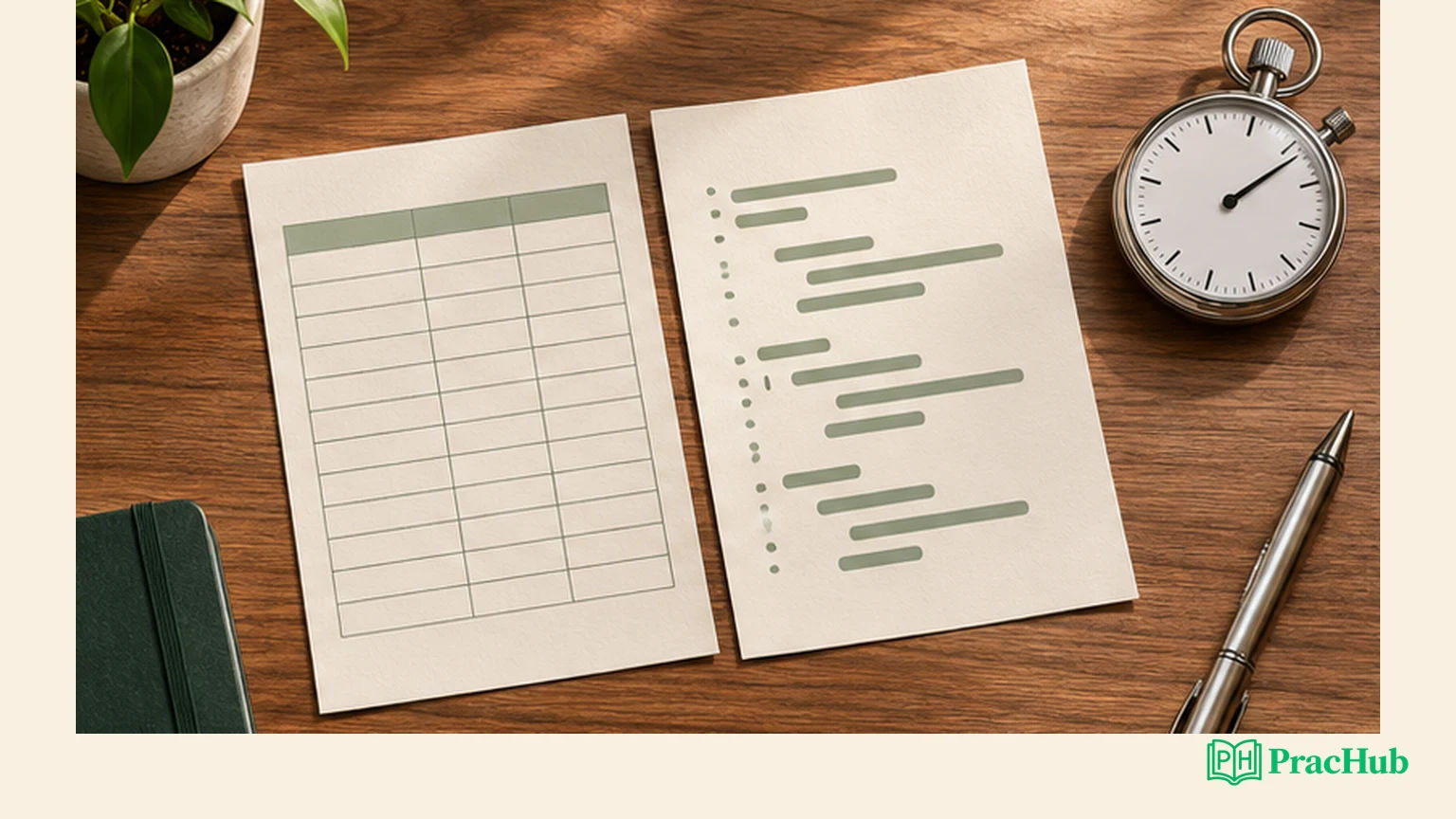
Pick a timed track by the kind of evidence it asks for
The interview hub presents separate SQL and Python tracks for data engineers. It describes a timed session on the site and a report saved to the account. The SQL track lists reading and filtering, aggregation, joins, windows and common table expressions, and data quality. The Python track lists core Python, files and formats, DataFrames, and robust pipelines. Those public descriptions are specific enough to choose a starting track. We could not confirm how much time a user gets on individual tasks or how the interviewer chooses questions in a completed session.
Following Start a session from the hub on either track reached the corresponding interview page. The interview area displayed a notice requiring a free account. The public site mentions marking with explanations. We did not see the actual report or verify which answers it would reveal after a run. This distinction matters if you want a worked explanation before you schedule a session. Inspecting the preceding topic list does not reveal whether a technically plausible alternative would score correctly or how much detail the report provides.
| Reader goal | Public surface we verified | What is still open |
|---|---|---|
| Practice SQL under a time limit | SQL interview track page and free-account gate. | Actual question selection, timer behavior, acceptable alternate SQL, and answer review. |
| Review Python for pipelines | Python interview track and stated syllabus. | Runtime, tests, exact error-handling requirements, and feedback on unfinished code. |
| Debug one data incident | Public labs catalog and interactive SQL lab. | How later checks and account-linked progress behave, beyond the query we ran. |
| Understand current pricing | Pricing page describes a free account and optional contributions. | Whether a given account has access to each feature in the current release. |
The pricing page now states that everything on DataEngLab is free to use and that voluntary support does not unlock any additional material. That corrects the assumption that a longer lab or interview report must be a paid product. A free-account requirement remains a separate access gate. We did not make a contribution or inspect the application's account entitlements. Confirm the exact track you plan to use, particularly if you need to see its report before a near-term interview.
Run the public lab to see how its feedback loop differs
Investigate Duplicate Orders presents a dashboard incident as an exercise. The lab says its orders table should represent one row per order, then asks you to examine a query that aggregates line-item revenue after joining to orders. It provides a scratch pad, step-specific SQL editors, Run query and Check answer controls, and hints. The first step asks the learner to run the supplied production-style query unchanged and compare its result count with the number of distinct keys. Subsequent steps work toward selecting the latest version and aggregating the items at the right grain.
We ran that first query as a guest. The result displayed 17 rows, including separate status rows for a repeated order identifier. That is evidence that the visible lab can evaluate a query and show table output. We did not press Check answer or complete later steps, so the observation does not establish how hidden checks behave or whether finished results persist. “Production” here describes the story in the lab. We used DataEngLab's provided exercise data.
A learner can use the scratch pad to test a claim before committing it to a graded answer. State the grain as “one row per order” for the final dashboard, “one row per order version” for the raw header, and “one row per line item” for the joined detail. This turns a suspicious sum into a concrete join hypothesis. Count the same identifier on both sides, run the join for that one order, and trace exactly which line repeats. Once you can name that mechanism, it is easier to explain why a distinct count is insufficient to repair a sum.
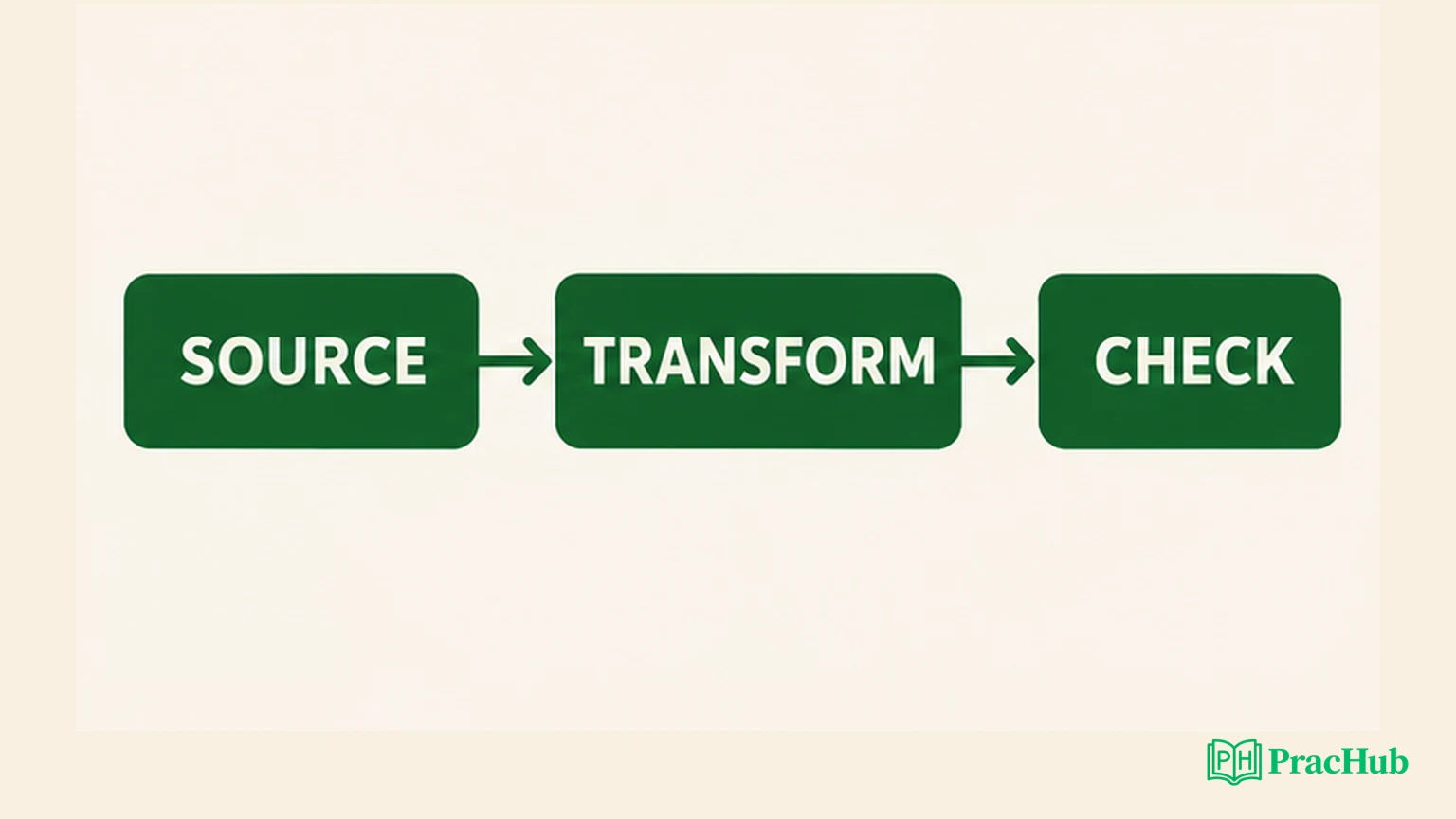
Try an original case where the row count agrees and revenue is wrong
Suppose order X has two header versions. Both say paid. The first and second versions have the same line-item details. The items cost 24 and 15, so the order revenue is 39. Order Y has one paid header and a single line worth 11. Under the intended policy there are two output rows and a total of 50. Our table separates the header history from the line items. The latest version number for each order is the canonical header.
If you join all three headers to their line items and group by order and status, order X still appears only once in the result because its status is unchanged. Its two items have each joined twice, however. The wrong query reports 78 for X, 11 for Y and 89 in total. The output row count equals the number of distinct order IDs. A test that only checks that count passes on the wrong result. This example is deliberately different from a repeated status row that is obvious from the result table.
| Probe | Naive join and group | Canonical headers with preaggregated items |
|---|---|---|
| Output order rows | 2 | 2 |
| Amount for X | 78 | 39 |
| Amount for Y | 11 | 11 |
| Total amount | 89 | 50 |
We checked the result locally in SQLite. The corrected query ranks headers by version within each order, keeps the latest one, sums items at order level, and then joins the two one-row-per-order inputs. Both row count and sum checks pass under the original fixture assumptions. The example does not reproduce the public lab's data or submit a solution to its checks. It is a companion for readers who want to pressure-test their own invariant.
Now change the contract. Suppose item rows also have history and a correction can update quantity within the same line item. Grouping raw items by order would still overstate current revenue. You need to choose the authoritative version at order ID plus a stable line ID before summing. Ask how to detect two different records with the same version or how cancellation affects the expected output. Your result should reconcile accepted, superseded and unmapped records. This extension gives you a way to use the lab's debugging structure to discuss a new condition.
Evaluate the explanations against an answer you can test
Timed practice and an incident lab exercise different skills. In a timed SQL or Python session, you may need to decide quickly which edge case deserves attention while writing a concise solution. A lab provides deeper time to isolate an unexpected difference. Choose based on the rehearsal you need. If the timed report only says a result was wrong, bring the smallest failing input into a scratch environment. If it explains the expected behavior, compare that explanation with the exact output requirement. We did not verify whether a DataEngLab report provides either level of detail in an account.
For Python, start with a similar check outside the lab. If a malformed line arrives in a streaming file, decide whether to abort, record a rejection, or repair a field according to a declared policy. Count accepted and rejected input separately. A report that treats silently skipping five bad records as success would miss the contract. The public Python track's “robust pipelines” label tells you that this concern fits the course's stated scope. It does not establish which questions or tests will surface a particular failure.
Use the lab and a timed session to answer different readiness questions. The lab allows you to spend more time with an intermediate table and see why a join reproduces a row. A timed screen may reward narrowing the diagnostic quickly enough to deliver a correct answer. Time how long it takes you to name the grain and write the very first probe. On a different dataset, try to improve that setup time while preserving the explanation. Compare the two attempts on the same observable result rather than measuring success only by how fast you finished the worksheet.
At the end, identify whether you needed a hint about the SQL function, a clearer interpretation of the schema, or a missing hypothesis about the source. Those three failures suggest distinct follow-ups. Reviewing window functions helps with the first. Reading a source example helps with the second. Mutating a small test fixture helps with the third.
After a practice attempt, write the first failing assertion in one sentence and check it on a new variant. For the SQL example, “one row per order” catches a repeated display but misses repeated money attached to a row. Add a reconciliation assertion against authoritative inputs. For the Python example, “the run returned a list” checks a return type but gives little information about dropped records; add the exact conservation count through parsing. These additions create evidence that remains useful when the next task is scored differently.
Switch from a lab to an interview explanation
Use the independent prompts below to practice both coding and reasoning. They do not come from DataEngLab sessions or verify its report quality.
| PracHub question | What to test or explain |
|---|---|
| Streaming Python Parser for Key-Value Log Lines with Quoted and Escaped Values | Write down a rule for malformed records before running code. |
| Solve SQL and PySpark Data Tasks | Carry a stated output grain across two coding environments. |
| Design metrics resilient to data quality | Compare how duplicate records change the underlying metric. |
| Maintain Entry Numbers with Incremental Loads and Historical Backfills | Show when a hypothesis about late rows fails. |
| Implement a sliding-window rate limiter (n requests per k seconds), then make it per key | Use an executable check for an exact boundary. |
Start with Design metrics resilient to data quality. Explain how your duplicate rule changes one published metric and which control would catch a false correction. DataEngLab's public lab provides a concrete investigation to start with. If you need a timed report, confirm the matching account-gated track and evaluate its explanations against an example you can reproduce.
Comments (0)