How to Get File Size in Python: Bytes, Errors, and Directories
Quick Overview
Get file size in Python with os.path.getsize and pathlib. Handle missing files, symlinks, directory totals, byte units, and changing files with clear examples.
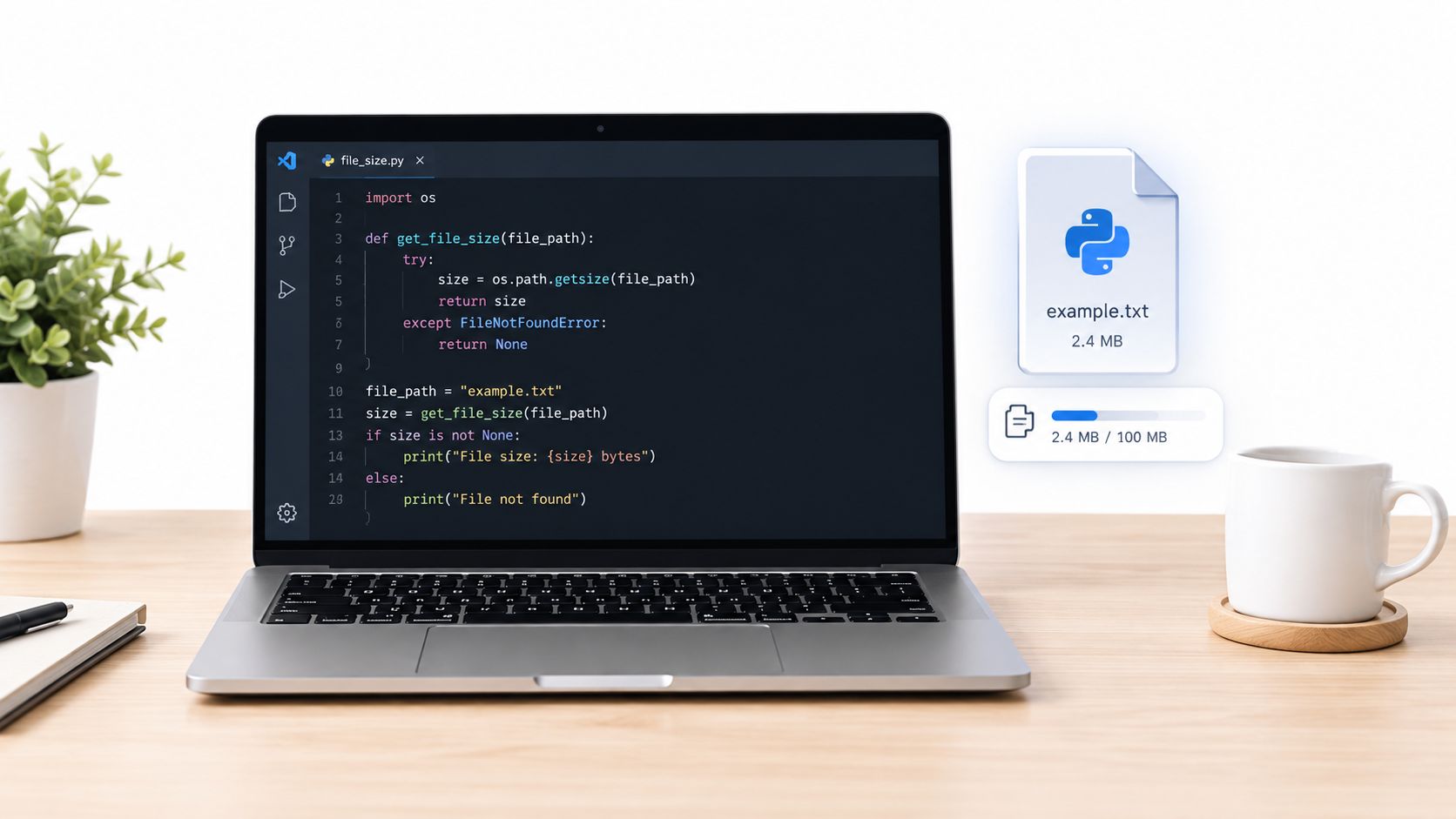
To get a file's size in Python, use os.path.getsize(path) or Path(path).stat().st_size. For a regular file, the result is its logical length in bytes. You do not need to load the file's contents into memory to measure that length.
The important follow-up is what your program will do with the number. A display label, an upload limit, a directory total, and disk-space accounting need different decisions. This guide starts with the one-line answer, then makes those boundaries explicit with runnable examples.
The quickest way: os.path.getsize
For an existing file:
import os

size_bytes = os.path.getsize("example.txt")
print(f"{size_bytes} bytes")
Python's getsize reference defines the return value in bytes and documents OSError for missing or inaccessible paths. Keep the integer byte count as your measurement. Convert it only when displaying it.
Avoid len(open(path).read()) as a substitute. It reads the contents unnecessarily, and text mode measures decoded characters rather than encoded bytes. For example, "café" has four characters but occupies five bytes when encoded as UTF-8. A large file should not have to fit in memory merely to report its size.
Use pathlib when you already work with Path objects
The equivalent expression with pathlib is:
from pathlib import Path

path = Path("example.txt")
info = path.stat()
size_bytes = info.st_size
print(f"{size_bytes} bytes")
Reuse info if you also need fields such as modification time or file type. This avoids repeated lookups. It does not make the metadata a transactional snapshot: the file can change while your program is working.
| Interface | Use it when | Result used for size |
|---|---|---|
os.path.getsize(path) | You need a short expression for one measurement | Integer byte count |
Path(path).stat() | Your code already uses Path objects or needs several fields | info.st_size |
os.stat(path) | You want the filesystem metadata interface directly | info.st_size |
Choosing pathlib is mainly a code-organization choice here. It does not turn logical length into physical disk usage. The Path.stat documentation also explains that each call performs a fresh lookup.
Handle missing files without confusing them with empty files
A valid empty file has size 0. A missing file is an error. Returning zero for every failure would make those two situations indistinguishable.
If the operation requires a regular file, inspect its type and size from the same metadata result:
import stat
from pathlib import Path

def regular_file_size(path):
    info = Path(path).stat()
    if not stat.S_ISREG(info.st_mode):
        raise ValueError("Expected a regular file")
    return info.st_size

try:
    size_bytes = regular_file_size("example.txt")
except FileNotFoundError:
    print("The file is missing")
except PermissionError:
    print("The file is inaccessible")
else:
    print(f"{size_bytes} bytes")
The stat module documents the file-type check. Other filesystem errors still propagate in this example. A service may translate them into its own error response, but should preserve the distinction between absence, access failure, and an invalid file type.
Do not rely on an exists() check followed by a size lookup. The path can disappear between those operations. Catching the lookup error handles that failure directly; it does not prevent every race or authorize a user-supplied path.
For a related practice contract, try the in-memory file storage question. Its file-size operation returns a specified missing-file sentinel. Follow the prompt's contract rather than assuming that every API should return zero or raise the same exception.
Decide whether a symbolic link means the link or its target
Path.stat() follows a symbolic link to its target. Path.lstat() reports the link itself. These measurements can be very different:
from pathlib import Path

link = Path("shortcut.txt")  # An existing symbolic link.
target_size = link.stat().st_size
link_size = link.lstat().st_size
Use the target measurement when you intend to work with the referenced file. Use the link's metadata when you are inspecting directory entries or implementing a policy that excludes links. A broken link can have readable link metadata even though looking up its target raises FileNotFoundError.
The lstat reference documents this distinction. State the policy in the function's contract; changing between stat() and lstat() silently changes what you are measuring.
Measure the open file when you are about to read it
A path-based measurement and a later open() are separate operations. Another process could replace the named file between them. When you already need to read a known file, obtain metadata from the opened descriptor:
import os
import stat

with open("example.txt", "rb") as handle:
    info = os.fstat(handle.fileno())
    if not stat.S_ISREG(info.st_mode):
        raise ValueError("Expected a regular file")
    size_bytes = info.st_size
    first_chunk = handle.read(64 * 1024)
os.fstat() returns metadata for the descriptor. The example measures the object it opened and reads a bounded first chunk. It does not guarantee that another process cannot grow or truncate that object afterward.
For an upload limit, count bytes as you accept or copy the body and enforce the limit during that operation. An earlier size check is useful information, but cannot impose a limit on a changing stream. Decide how to discard partial output when a transfer exceeds the limit or fails.
For resource cleanup and exception behavior around with, read PracHub's Python context manager questions.
A directory's own size is not the total of its files
Calling getsize() on a directory does not recursively sum its descendants. To calculate a logical total, define which entries count and traverse them.
This example is for an ordinary directory tree under your control. It rejects a symlink root, skips symlink files, does not descend into symlink directories, and fails if a traversal or metadata lookup fails:
import os
import stat
from pathlib import Path

def directory_size_bytes(root):
    root = Path(root)
    if not stat.S_ISDIR(root.lstat().st_mode):
        raise ValueError("Expected a directory, not a symbolic link")

    def raise_walk_error(error):
        raise error

    total = 0
    for directory, _subdirs, filenames in os.walk(
        root, followlinks=False, onerror=raise_walk_error
    ):
        for name in filenames:
            info = (Path(directory) / name).lstat()
            if stat.S_ISREG(info.st_mode):
                total += info.st_size
    return total
The os.walk reference explains its link and error-handling options. The explicit error callback matters because a silently skipped directory would otherwise make an incomplete total look complete.
This total counts regular-file entries. Two hard-link names can therefore count the same underlying file twice. It also excludes directory metadata and is not a consistent snapshot of a changing tree. If you want unique-file accounting or a best-effort report, define those policies separately and report skipped entries or errors. A total for display should not automatically be presented as the space that deletion will reclaim.
Logical size and allocated storage answer different questions
For a regular file, st_size describes logical byte length. A sparse file can have a large logical length while using fewer allocated blocks. On platforms exposing st_blocks, the reported block count uses 512-byte units; that attribute is not portable to every system. Python documents the field under stat_result.
Keep the measurement matched to the decision. File-transfer length, storage allocation, and a provider's quota or billing rules should not be treated as interchangeable. For cloud objects, use the storage service's documented metadata and accounting contract rather than calling a local filesystem API on an object URL.
Format bytes with accurate unit labels
Decimal and binary prefixes differ:
| Label | Meaning | Divisor from bytes |
|---|---|---|
| kB | Kilobytes | 1,000 |
| MB | Megabytes | 1,000,000 |
| KiB | Kibibytes | 1,024 |
| MiB | Mebibytes | 1,048,576 |
The NIST binary-prefix reference explains these names and symbols. If you divide by 1024 ** 2, label the result MiB. Keep quota comparisons in integer bytes so display rounding cannot change the decision.
def format_size(size_bytes):
    if size_bytes < 0:
        raise ValueError("Size cannot be negative")
    if size_bytes < 1024:
        return f"{size_bytes} B"
    for exponent, unit in enumerate(("KiB", "MiB", "GiB", "TiB"), start=1):
        value = size_bytes / (1024 ** exponent)
        if value < 1024 or unit == "TiB":
            return f"{value:.1f} {unit}"

print(format_size(1024))       # 1.0 KiB
print(format_size(1024 ** 2))  # 1.0 MiB
For a five-MiB policy, compare size_bytes with 5 * 1024 ** 2. For a five-MB policy, use 5_000_000. Write down which policy your product actually uses, including what happens at the exact boundary.
Turn the API into an interview exercise
Practice implementing a cloud storage service to connect file sizes with copying, capacity limits, and state changes. Its in-memory sizes come from the problem's inputs; a filesystem lookup would not implement that abstraction.
Then try grouping files by equal size. That prompt defines its grouping rule explicitly. In a real content-deduplication workflow, equal lengths alone would not establish identical contents. Explain the requirement before deciding whether more comparisons are needed.
A useful final check is to run your size helper on an empty file, UTF-8 text, a missing path, a directory, and a symbolic link. Verify your binary-unit boundaries as well. A strong answer gives the short API call and explains exactly what its result permits the program to do next.
Comments (0)