ReactChallenges Review: Browser Exercises, Feedback, and Access Limits
Quick Overview
ReactChallenges is aimed at developers who already know React and want a browser-based implementation task with a visible contract and automated feedback. Its public Counter exercise makes that positioning concrete: it asks you to distinguish a state update from a ref mutation. Evaluate whether you can move from understanding the prompt to running, inspecting and explaining your own implementation under the access currently offered.
ReactChallenges is aimed at developers who already know React and want a browser-based implementation task with a visible contract and automated feedback. Its public Counter exercise makes that positioning concrete: it asks you to distinguish a state update from a ref mutation. Evaluate whether you can move from understanding the prompt to running, inspecting and explaining your own implementation under the access currently offered.
We inspected the official site, Counter prompt and start flow on October 22, 2026. Clicking Start Challenge opened a sign-in dialog; we did not register, enter the editor, run its tests or purchase a subscription. Editor and grading behavior beyond that boundary is an official product description. Our traces and locally tested lifecycle helper below are original PracHub material, not a completed ReactChallenges submission or candidate interview report.
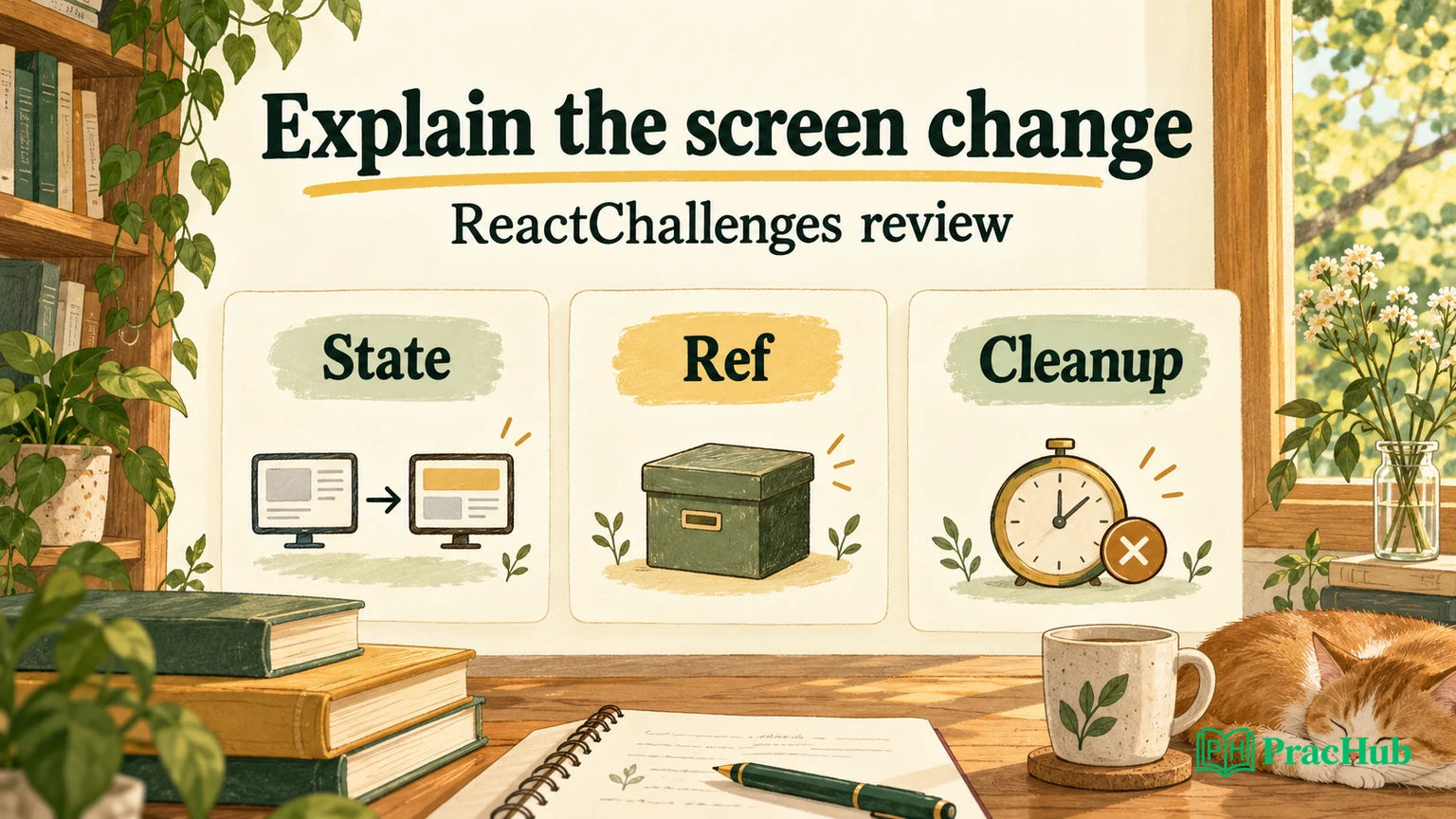
For independent implementation practice, begin with PracHub’s React component exercise. Explain which changes should affect the screen and which values belong outside rendering before you reach for a hook.
What kind of React practice does the site offer?
The official homepage presents UI challenges, JavaScript and TypeScript katas, quizzes and a playground. It describes a prepared React, TypeScript and Tailwind environment with automated tests. That intended workflow can reduce setup work when your goal is a small component rather than a full application repository.
A prepared environment comes with constraints. The site’s editor FAQ describes a fixed set of available libraries rather than arbitrary package installation. It says saving with Ctrl/Cmd+S updates the preview and formats valid code. We did not enter the editor to verify that sequence, so treat these details as instructions to check when you gain access.
The distinction matters during debugging. A preview that has not refreshed can resemble a broken implementation. A compilation error, a runtime error and a failed behavioral assertion are different checkpoints. Find which one you are looking at before changing the component’s state model.
The site describes some tasks as inspired by company interviews. That is not independent evidence that a named employer currently asks a specific prompt or uses the same test suite. This review evaluates a practice workflow, not employer provenance or a hiring guarantee.
A public prompt is not an anonymous editor session
The Counter Component route exposed an overview, requirements, a solution preview and four described tests. The task contrasted a counter updated through state with a mutable ref, including what becomes visible after another render.
Selecting Start Challenge opened a sign-in dialog with account options. We did not proceed through it. The observation establishes a useful boundary: a visitor can inspect this prompt, but the review did not establish anonymous access to a working editor or the automated runner.
| Stage | Evidence from our visit | What it does not establish |
|---|---|---|
| Discover a challenge | Public cards and Counter requirements | Every listed challenge is currently available |
| Inspect expected behavior | Four test descriptions and a preview | A test run against your implementation |
| Start work | Sign-in dialog | A free account’s exact exercise entitlement |
| Edit and preview | Public FAQ instructions | A successfully compiled project in our session |
| Receive feedback | Advertised automated tests | Their coverage, stability or usefulness for every task |
Some catalogue entries displayed future availability dates. Counts on a pricing card should therefore not be read as a completed audit of all tasks available today. Open the particular exercise you intend to use, and verify its current access status.
Trace the state/ref distinction carefully
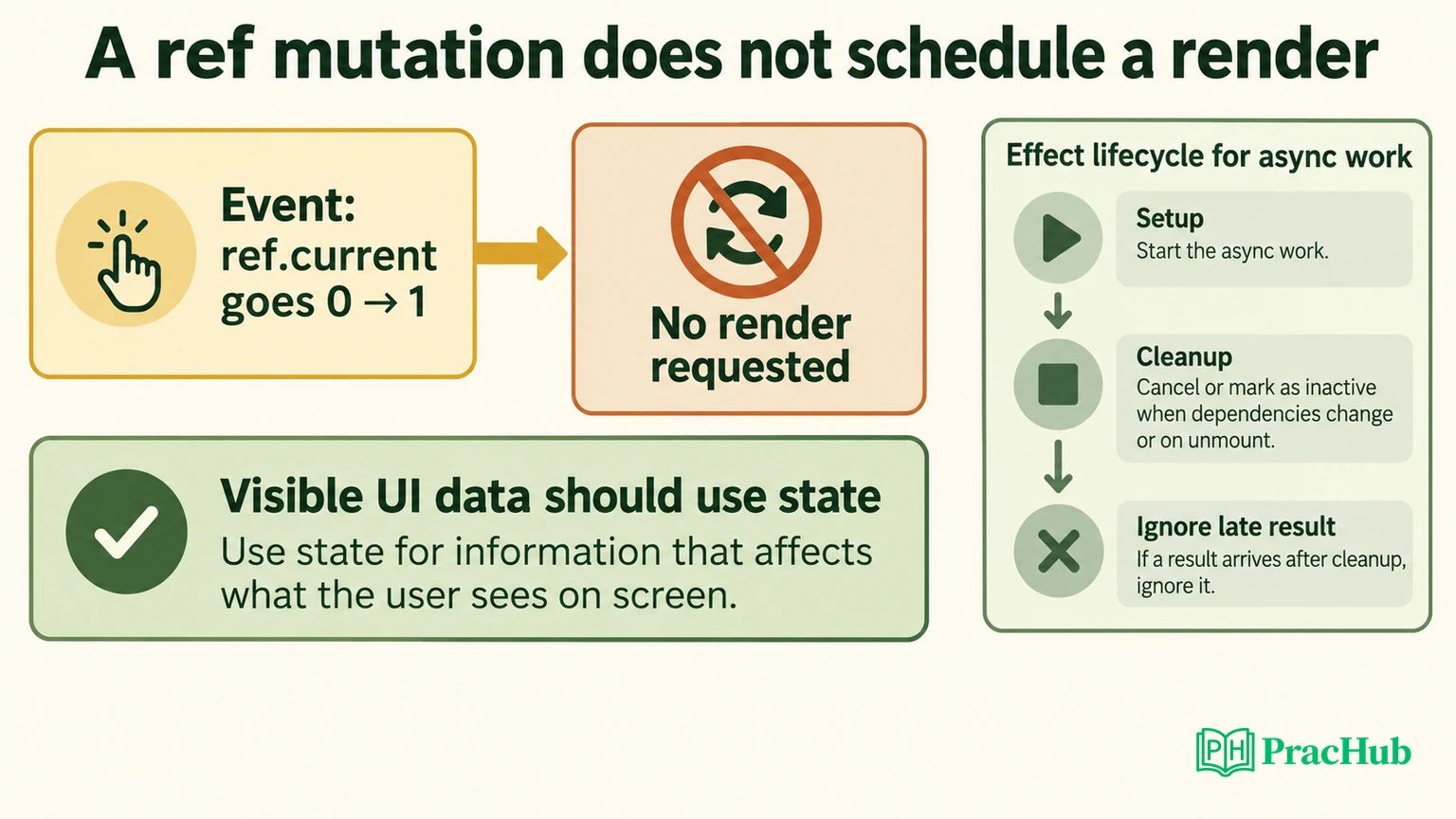
Here is an original conceptual trace for the learning issue illustrated by the public Counter prompt. Assume two stored values start at zero, and the initial screen reflects that state. A ref mutation changes the object’s current value but does not itself request a React render.
| Action | Stored state value | Stored ref value | What the exercise is trying to reveal |
|---|---|---|---|
| Initial render | 0 | 0 | Initial displayed values |
| Increment ref in an event | 0 | 1 | Mutation alone does not schedule a render |
| Increment ref again | 0 | 2 | Stored and displayed observations can diverge |
| Update state | 1 | 2 | A later render can reveal other mutable values |
This is an explanation of a teaching observation, not a test we executed in ReactChallenges. It should not become a general recommendation to render mutable refs as application data. React’s useRef documentation says that refs do not trigger rendering and warns against reading or writing them during render except for appropriate initialization.
For information that should determine the UI, use state or an appropriate external-store mechanism. A ref is useful for values such as a timer handle or an imperative reference that does not need to drive the rendered output. The question to answer is not “Which hook is faster?” but “What change should cause React to produce a new screen?”
That distinction makes a stronger interview answer. You can explain the observed counter behavior while also stating why the demonstration should not be copied as the architecture of a real display counter. Passing a stated exercise can establish that contract without endorsing every pattern as production guidance.
Add an original lifecycle problem after the counter
A useful next exercise changes the difficulty from stored values to ownership over time. Suppose an effect starts asynchronous work. Before it finishes, dependencies change and the old effect is cleaned up. A late result from that old lifetime should not commit through its obsolete callback.
The following original JavaScript helper models one narrow part of that contract. Each lifetime receives its own scope. Disposing it prevents future resolutions from calling its commit function.
export function createScope(commit) {
  let active = true;
  return {
    resolve(value) { if (active) commit(value); },
    dispose() { active = false; }
  };
}
We independently ran local Node.js checks showing that an active scope commits, a disposed scope ignores a late value, a newly created scope remains independent, repeated disposal is harmless, and disposal before a later result suppresses that result. These tests exercise the helper with synthetic calls. They do not mount a React component, perform a network request or run the platform’s tests.
The intended integration needs additional work. Create a fresh scope for each effect lifetime, route both successful and failed outcomes through the appropriate guard, and dispose the old scope in cleanup. If cancellation is available, it may save work, but cancellation and permission to commit are separate concerns.
This helper is deliberately different from a full request-state reducer. It demonstrates lifetime ownership, not loading indicators, query identity, caching, retries or response validation. If a single lifetime starts multiple competing requests, its active flag alone does not decide which request is newest. Name that limitation before extending the helper.
What effect cleanup should actually protect
React’s useEffect reference describes cleanup before a new setup when dependencies change and when the component is removed. Development Strict Mode can add an extra setup-and-cleanup cycle. A component should have a coherent resource lifecycle rather than assume that setup happens only once.
For a timer, cleanup should stop future callbacks. For a subscription, it should remove the subscription belonging to that setup. For asynchronous work, it should prevent obsolete completion from producing an invalid update under the component’s contract. These are related patterns with different resources and failure modes.
Do not fix a dependency problem by removing a dependency merely to silence repeated work. Explain which reactive values the effect uses and why a change should create a new lifetime. If an object is recreated every render, investigate its role rather than copying an empty dependency array from another exercise.
A useful controlled test changes the dependency, resolves the newer work first and then resolves the older work. Another removes the component before completion. Those are proposed component-level tests; our executed evidence remains the small helper described above.
Connect feedback to the task contract
Automated tests are useful when you can connect a failure to a requirement. If a counter’s displayed value does not change, determine whether the task expects a state-driven update or intentionally observes a ref mutation. A test title without that context can be misread.
After a failed assertion, write a minimal event trace: initial value, interaction, expected screen and actual screen. Then identify whether the problem belongs to state, rendering, event handling or asynchronous ownership. This is more informative than repeatedly changing hooks until a preview looks plausible.
After a passing run, ask what remains outside the suite. Does it test keyboard access, focus behavior, loading and error states, cleanup and delayed responses? A small task may intentionally omit some of those requirements. Do not infer that every omission is a product defect; decide what extra checks your interview exercise needs.
We did not inspect the implementation of ReactChallenges’ runner or establish that its feedback catches these additional cases. The review supplies an evaluation method, not an unearned test-coverage rating.
Pricing and access limits
The native pricing section advertised eighteen free challenges, forty-two free katas and a free playground. We verified the displayed offer and the Counter start gate, not the entitlements delivered to a newly created account. An available public description is not a completed free exercise.
Paid offers were displayed as $9 billed monthly, $21 billed quarterly, and $60 billed yearly. The latter two corresponded to displayed monthly equivalents of $7 and $5. Compare the total charge and billing period, not only the smaller monthly-equivalent label. These were dated observations from October 22, 2026.
The public FAQ said premium subscriptions renew automatically and that premium trials and refunds were not offered. It described cancellation through the account’s subscription-management route, with access continuing through the paid period. We did not test checkout, cancellation or billing behavior, so recheck the current applicable terms before purchasing.
The catalogue and pricing sections also displayed different quiz totals. We do not use the larger number as an audited inventory. For a practical decision, check whether the specific component, hook or debugging task you need is available and whether its working environment suits your constraints.
Questions that extend browser practice
These PracHub records give you component, data-loading, streaming and testing tasks to explain independently. They are not an asserted ReactChallenges exercise list.
| PracHub question | Practice focus |
|---|---|
| Implement and Improve React Components | Implement component state and explain improvements. |
| Build a 2x3 React Feed Grid from Static Data, Then from an API, and Explain Your Hooks | Move a grid from static data to an API and defend hooks. |
| Load and Display a React List with useEffect | Define loading behavior for a React list. |
| Build a Reliable Streaming Chat UI | Handle streaming UI state and cleanup. |
| Plan Testing and Deployment for a React Feature | Explain testing evidence and a feature deployment decision. |
Use the component exercise for state and interactions, then add data loading to a small grid or list. A streaming chat UI introduces partial updates and cleanup, while the testing question asks you to explain what evidence would justify shipping a feature.
Avoid reusing one answer across all five. A list that loads once has a different ownership contract from a stream that can reconnect or a component that can unmount mid-request. Explain the new event that changes the design.
Who should consider ReactChallenges?
Consider ReactChallenges if you already understand React basics and want to evaluate focused UI tasks in a prepared browser environment. Its public prompt and editor descriptions support that intended use. This review’s sign-in boundary means we cannot rate the working runner, saved progress or premium catalogue from direct execution.
Start with the React component practice question. Predict the visible result of each interaction, identify the resource lifetime, and add one controlled failure case. A useful browser exercise should help you connect an observed screen to the contract that produced it.
Comments (0)